We are really proud of our customer service, and wanted to show potential customers that we are a trusted company with happy customers. So we decided to get reviews independently on feefo! Take a look:
Yarrah: 100% recyclable packaging
We are delighted to announce that Yarrah Organic Pet Foods are transitioning to 100% recyclable packaging!
This means you can recycle the bags in the carrier bag recycling facilities at all major supermarkets.
The new recyclable bags are starting to appear on shelves in the UK already and they will be fully rolled out by summer 2021.
This has been in the works for a long time: Yarrah had to invent a new type of pet food bag to pull this off!
Continue reading “Yarrah: 100% recyclable packaging”Ethical Babies: 3 eco baby tips we have learned so far
We’re delighted to announce that we are expecting a baby! We are hoping they will be an eco baby, with things like second hand clothes and washable nappies, we are aiming for our little one to be as eco-friendly as possible.
The “due window” is mid August to Mid September (2020) – so it’s really not long to go now. We wanted to take a moment to share some simple ways to reduce the environmental impact of having a child. It would probably be better to start lecturing everyone after the baby has actually arrived… but we might not have time then! You can follow our series on Eco Babies here.
How Bad are Bananas/Babies?
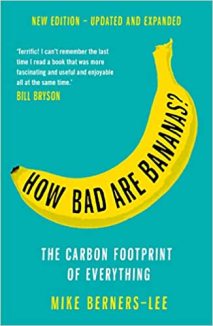
According to the wonderful book “How bad are Bananas” by Mike Berners-Lee, having a child is in the “100 tons to 1 million tons” of CO2e category.
That’s right up there with a hectare of deforestation or hosting a sporting World Cup, so we thought we should get a handle on the baby’s carbon foot print right away! Eco babies don’t grow on trees, after all!
Incidentally, this favourite book of ours is getting a full update and re-release any day now. Make sure to pre-order your copy!
Eco Baby Clothes
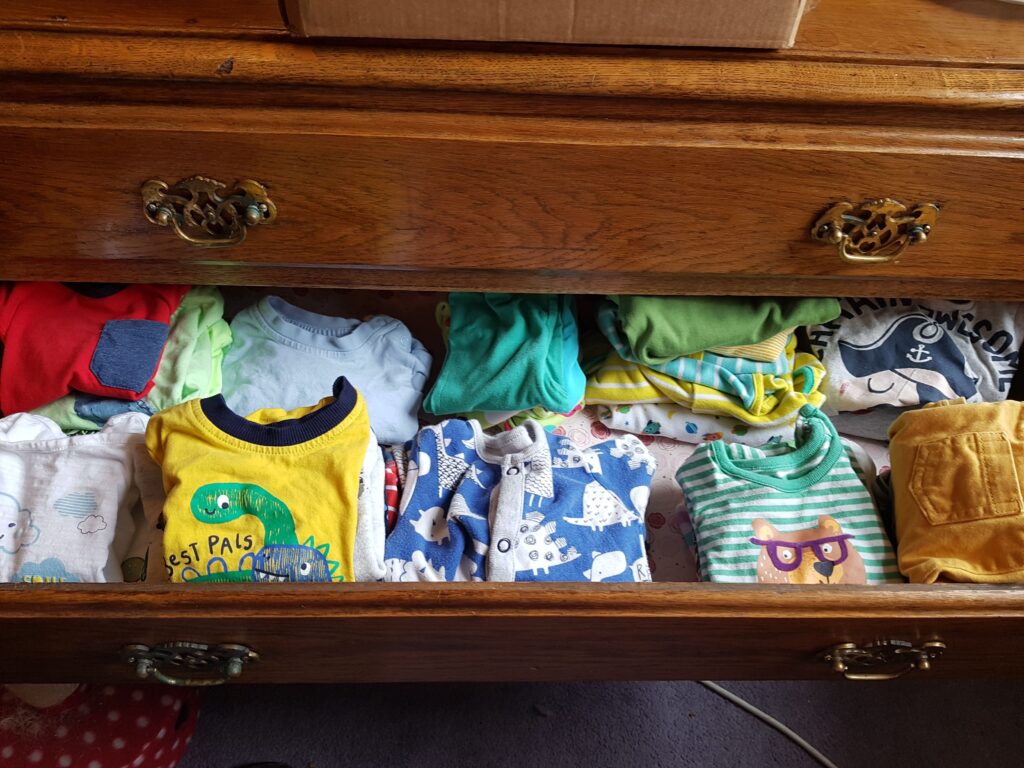
The first thing we decided was to get as much stuff second hand as we could – a solid start to raising an eco baby. We made sure to get a good range of styles and sizes, with the aim of avoiding “desperation shopping” for baby clothes in the supermarket. We got some free stuff from family/friends, but most of what we have is from ebay.
Does your brand new baby need brand new clothes?
Buying baby clothes is a funny business. Until the baby is born, you don’t really know what size will fit them – apparently for many babies newborn size is to small already. Also, even if it does fit, if will only be for a few months at best.
Because of this, most of the second hand baby clothes have only been worn a few times already.
On ebay there are loads of parents selling off bundles of lovely baby clothes for very reasonable prices. Here are some of what we bought so far:
Top tips for buying eco baby clothes on ebay
Here are Anna’s top four tips for buying used baby clothes on ebay, the most eco-friendly clothes for your baby.
- Make sure to filter by “used” – ebay also has a lot of cheap imported new baby clothes which may not meet safety standards
- Check the brand in the item description to make sure you’re not “overpaying” for supermarket brand clothes, once you include postage
- Buy lots from the same seller – If you find a seller who’s taste is similar to yours, buy multiple things and ask them for a refund on extra postage. Postage is often the most expensive part, so this can really save you money.
- Shop Next and John Lewis for gender neutral clothes – these two brands seem to be pretty good at the gender neutral stuff, with lots of colours other than pink or blue available.
Consider Washable Nappies!
Another great way to be more sustainable as a parent is to washable nappies. I have had quite a few friends use washable diapers with their kids, and it seems to be pretty straight forward. They look lovely and are easy to look after too. Go eco baby!
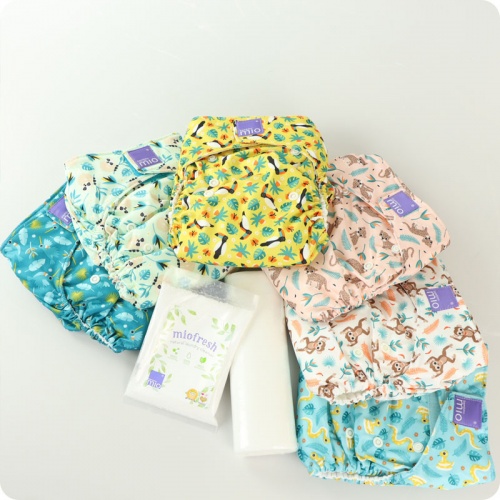
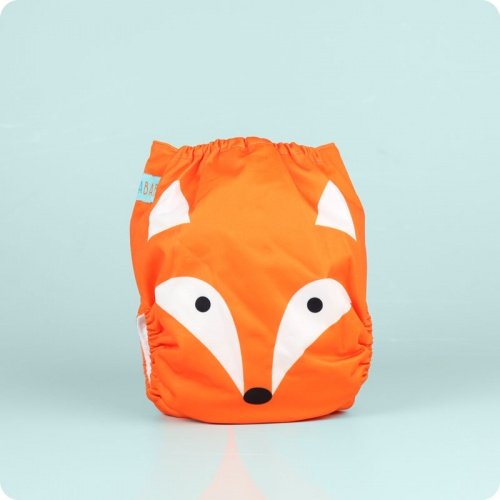
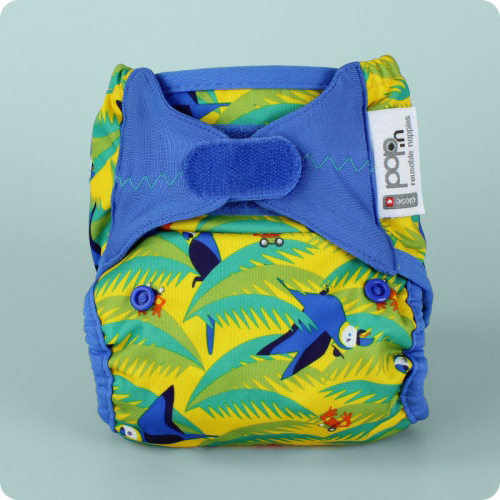
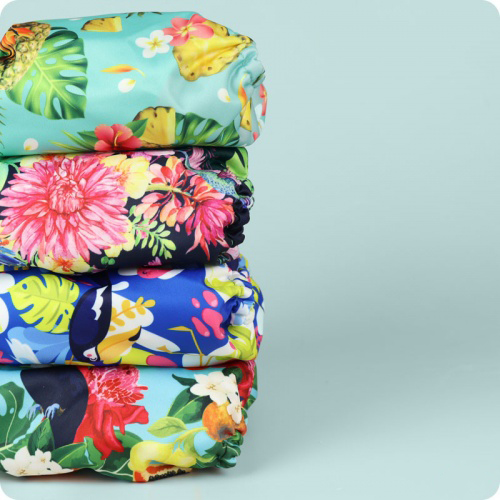
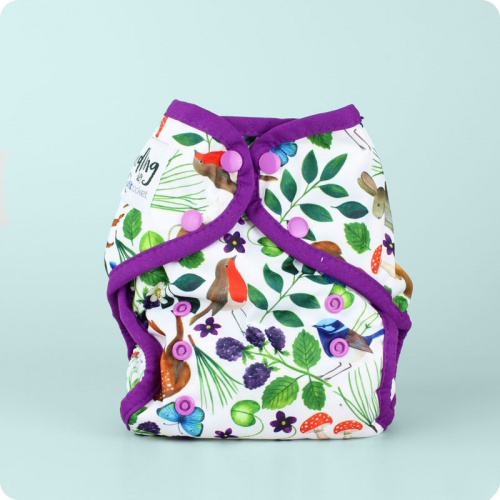
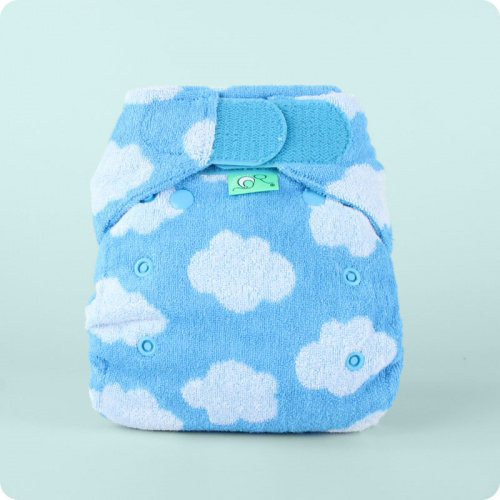

It’s not just the eco-warriors and hippy types who rate these washable fancies any more. There are plenty of perfectly normal folk to who use cloth nappies because they’re just …. better than disposables!
Rhee from Mummy of Four is a good example (see her video below): she literally makes videos about cleaning, organising and shopping for a living, and even she loves her little washable nappies!
Are you willing to be flexible?
Washable nappies are pretty simple to try out, especially if you’re a flexible sort of person who is willing to use both plastic and cloth, and take things slowly. A solid start to raising an eco baby.
If you use disposable nappies for the first while and then get a washable nappy trial, you:
- Wont be burdened with sizing or fit issues
- Wont have loads of laundry from day one
- Will have time to make a decision
- Will be able to mix and match – e.g. cloth at home and disposable out and about
- May be less likely to buy the nappies and not use them
As “How Bad Are Bananas?” points out, the worst case scenario is buying a ton of washable nappies, getting bored and then throwing them away. That does not make for a good eco baby.
They only save carbon (and money) over years of use.
To get started, just get a few cloth nappies when you’re ready, preferably after the baby is born and preferably on a trial so you can return them. Try out using them part time and make sure you really want to do it. Then when you’re ready, buy a whole bunch!
Do you want to totally eliminate disposables?
If you want to be strict about not using disposable nappies at all, and you want to go 100% washable, then things are a little bit more complicated.
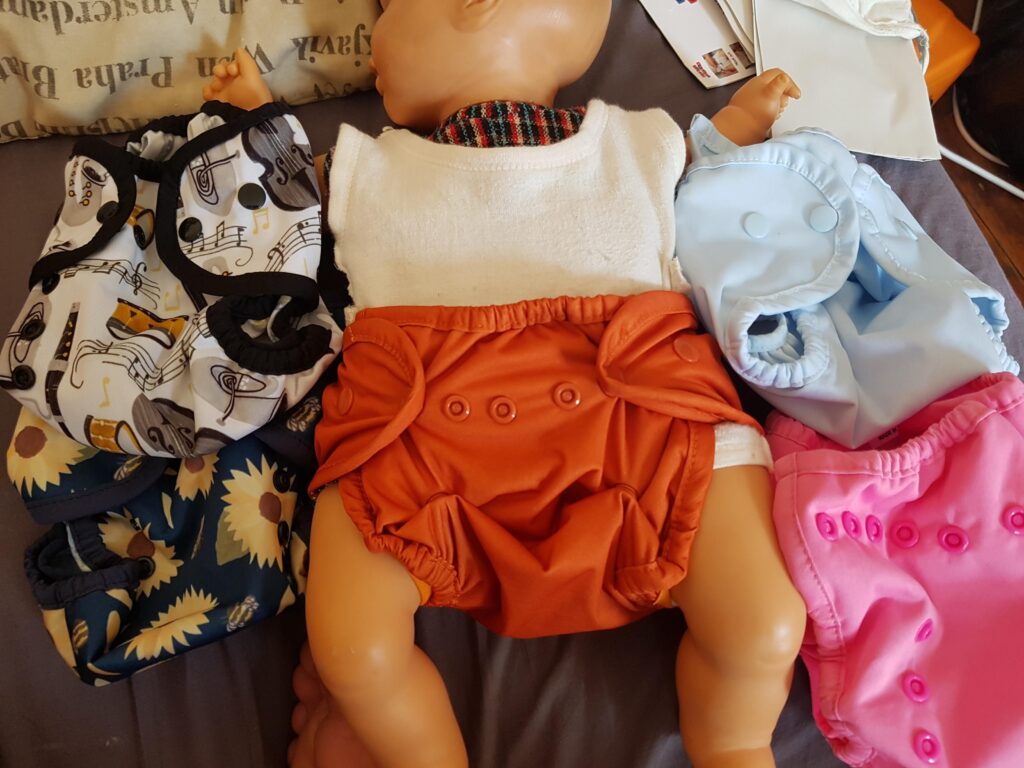
The difficulty is that most newborns will need a smaller cloth size nappy than the ones which fit from 3 months till potty training. This means you need a bunch of washable nappies just for the first few months, which may not be a sustainable thing to do.
After a lot of thought, we decided to go the whole hog and try to avoid using any disposable nappies – but we understand this decision isn’t viable for everyone. It’s also a bit of a gamble, in terms of environmental impact and financial cost.
We settled on some “pre-loved”/second hand nappy covers and bamboo pre-fold inserts. Pre-folds are the American style version of old fashioned terry-nappies. We will be able to re-use the pads to add night time absorbency in the larger size “pocket” style nappies later, which helps make the system more sustainable.
If we manage to use them full time and the baby takes a while to out grow them, these nappies will:
- Probably save us money – but only £100 or so
- Probably be less carbon intensive than disposables
- Definitely cut down on waste going to landfill
When we are ready, we will do a trial of the larger size nappies, and pick the ones we will use longer-term. This is where we really get to save some money and carbon!
Top tips for buying cloth nappies in pregnancy
- Watch a lot of YouTube videos about it
- Decide what kind of nappy you want to buy (or if you would rather wait)
- Think about your laundry routine: Where will they dry? How many nappies will you need? How often will you need to do a wash load? Are you sure this is practical?
- Work out how much you will save (or not) depending on how many you will need to buy and how long you might use them for
- Ready to buy? Shop around for a good deal, there are lots of dedicated sites selling them in the UK
- Don’t impulse buy cheap ones from china/Aldi etc – make sure they are safe, well reviewed and have all the features you need. Remember, they are only eco if you use them for years!
- When they arrive, look at them closely. Are they soft? Are they flexible? Are they fiddly or tricky to use? If you don’t like them, exchange them for a different kind.
- When you’re ready to commit, wash and dry the the nappies three times. Most cloth nappies need to be washed to reach good absorbency. You don’t want to discover that after the baby is born!
- You can also get washable baby wipes, from companies like Cheeky Wipes. These seem great too. We got a starter set.
Make your own bits and bobs
Finally, if you have time and spare bedsheets etc, consider make some of your own burping cloths and whatnot.
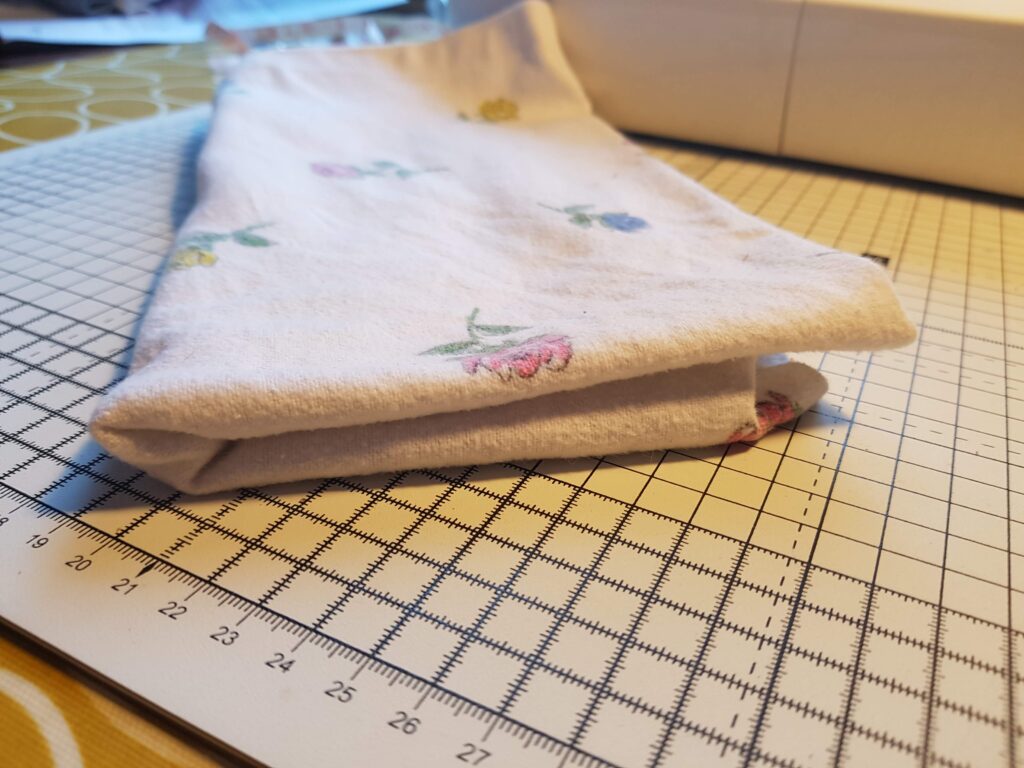
All right, it’s not going to save you much money, and it takes up an annoying amount of time – but it can be a really good way to prepare for the baby that doesn’t involve spending money.
Also, it’s very … grounding: if you’re not great at sewing, they won’t be perfect. They will just be “good enough” burping cloths from a “good enough parent“. A gentle reminder that you can’t be perfect and it’s the love and thought that counts!
Recycled plastic dog collar – What does Maisie think?
We got a very special email this week from Maisie the Miniature Schnauzer. Her Mummy recently bought her a Eco Dog Collar and Lead. It’s made by Lupine from post consumer plastic bottles! This recycled plastic dog collar and lead even comes with a lifetime guarantee!
Here is what Maisie had to say about it:
“My mummy got me a lovely new recycled plastic dog collar & lead from your fab website. I love the bright yellow colour – it looks great with my black coat!”
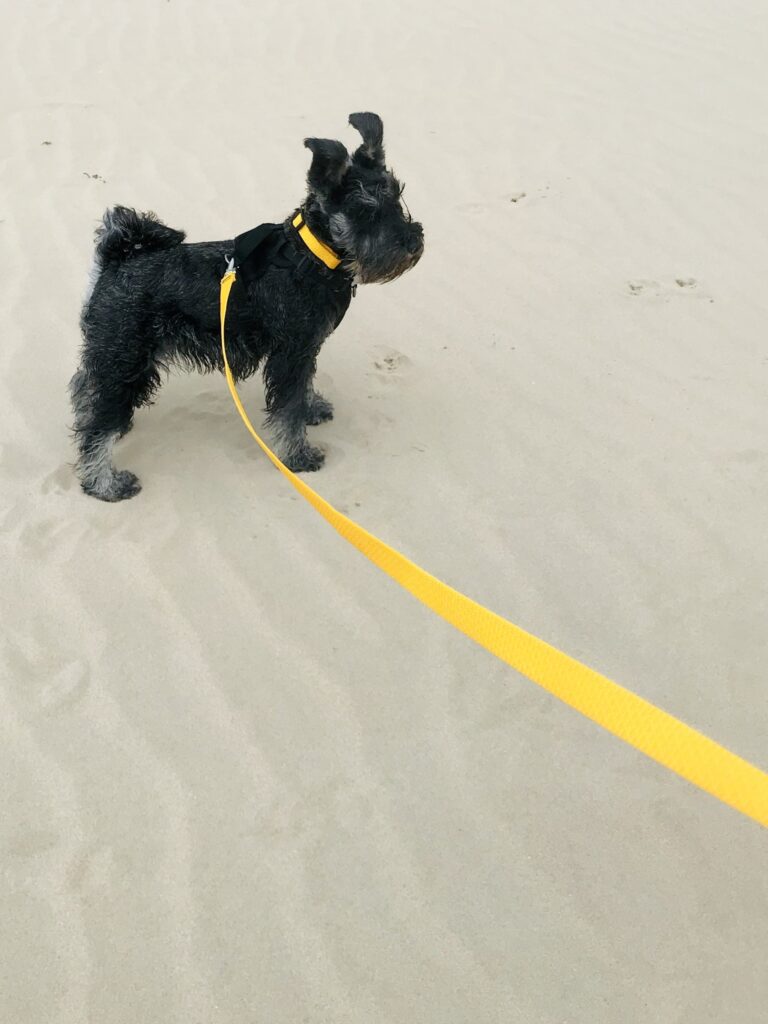
“I think there was some confusion about the way to add the lead to the basket, but I heard Mummy say she chatted to you about that on the phone and you were super helpful which was very nice of you.”
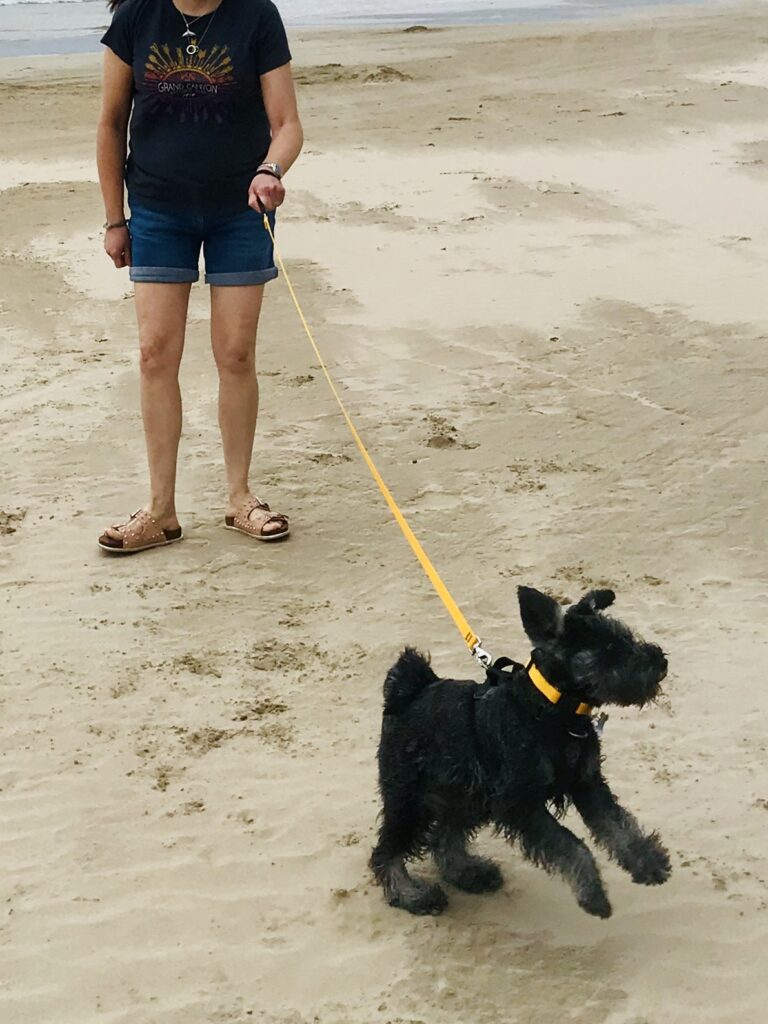
“Mummy also got me a eco pink Beco Hoop to play with, which is lots of fun! And a pink Beco Bowl for my water which I also like very much.”
“Mummy is very happy that these are all ethical products because they are good for the planet, whatever that means. I don’t really know much about that, but I do know I like my new things and I’m sending you a big wet lick to say thank you 🐶👅 “
Lots of love from Maisie, the Miniature Schnauzer
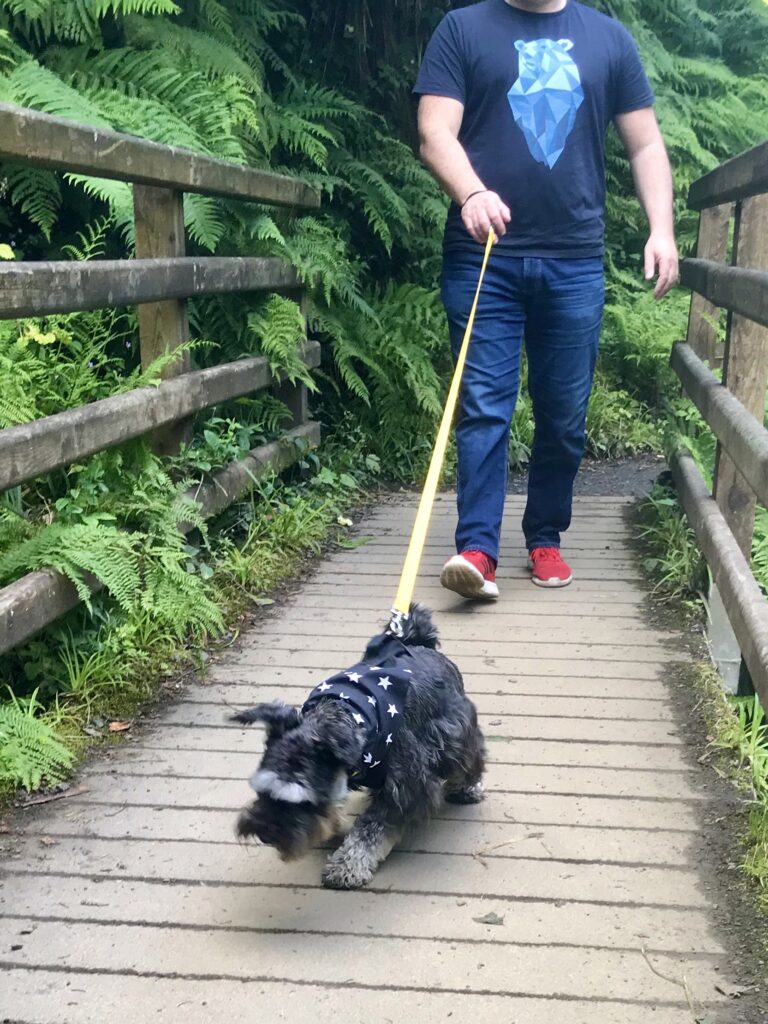
Well Maisie! We are very glad you like your new recycled plastic dog collar so much! If other doggies are jealous, they can subtly hint to their dog mummies and daddies that the Lupine Eco collar and leads are available here!
Lupine Eco Dog Collars are also Fairly Traded
Lupine recycled plastic dog collars and leads are not just eco friendly, they are also fairly traded! They are made in a small family run company in their factory New Hampshire, USA.
The collars are hand made in a safe working environment where the labour law is similar to the UK, including health and safety and the right to unionise.
The buckles are made by YKK who are engaged with national and international schemes to ensure worker safety in their global supply chain.
How to rescue injured animals
Rachel from diygarden.co.uk recently wrote a wonderful article about how to help injured pets or wildlife. It tells you what to do, should you come across an animal you think could be hurt or poorly.
We were really impressed with the guide and thought we would share it with you! Here is a link to the article, and below are some things we found interesting.
“Vermin” / Non-native species
Some animals, such as Muntjac Deer and grey squirrels are not allowed to be released into the wild anymore. This means that many vets will refuse to treat them and will euthanize them if they are bought in injured.
We were inspired by the article to do a little extra research. This resource is very useful. There is no such thing as “classed as vermin”!
We were surprised to find that when a vet refused to treat our rescued pigeon Otto because he was “classed as vermin” – that was actually illegal! (Otto was released into the wild many years ago, but we still think of him often!)
Anyway – many vets will not treat wildlife that cannot be released unless you pay them to do it and take responsibility for finding a home the animal later.
How to pick up a hedgehog
We once found a hedgehog at night walking in the road, we needed to move it but found it difficult to pick up!
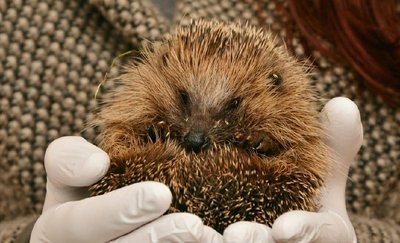
It didn’t occur to us to roll it into our hands! Trying to pick up a balled up hedgehog with no gloves was tricky! We did rescue the hedgehog, but wish we knew this first:
“Don’t be scared, they don’t bite. Grab the hedgehog and pop it in a high-sided box. Use gloves or a towel if you have any to hand. If not, touch the hog – it should roll into a ball unless it’s badly hurt. Then roll it onto your outstretched hand.”
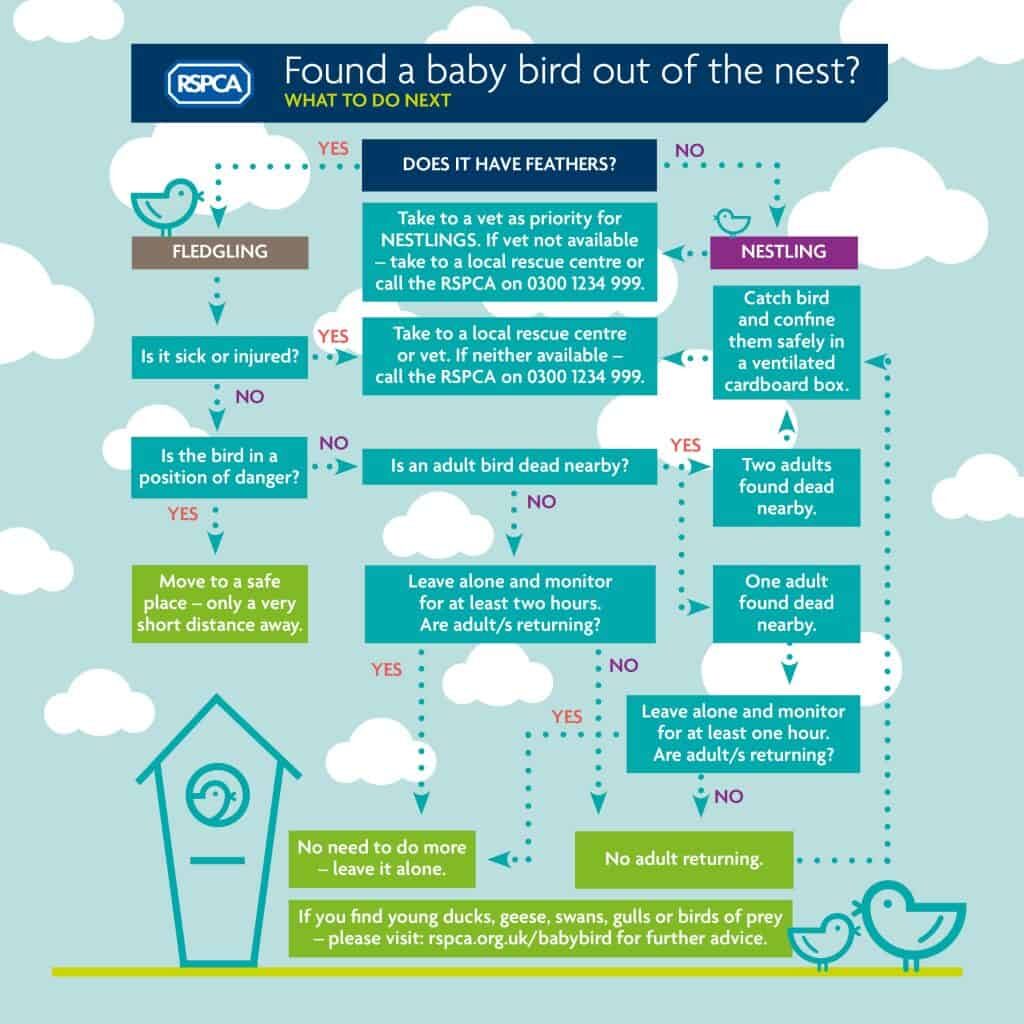
Baby Bird Flow Chart
Really handy for spring! Thanks to the RSPB and diygarden.co.uk for the info!
Read More Articles (And A Disclaimer)
Diygarden.co.uk have a lot of interesting articles about wildlife on their. Take a look!
They didn’t pay us to write this article, but did offer to share our post on social media. We would have shared the info regardless: it’s a good article which we read start to finish and learned something from. That’s always worth sharing!
Our Vegan Organic Allotment – One Year On!
[UPS! I put the wrong link in email: Go here https://www.ethicalpets.co.uk/blog/2020/03/how-to-rescue-injured-animals/]
I can’t believe it’s been a whole year since we got our allotment! A LOT has changed over that time.
We were trying to do a Vegan Organic allotment. What it difficult? Find out how we did…
Continue reading “Our Vegan Organic Allotment – One Year On!”Climate Election 2019: Can Your Vote save The World?

This is your guide to the 2019 climate change election. We are in the midst of a climate emergency: living in such desperate times surely calls for desperate measures…. but the choice in the ballot box is the same as always.
Or is it?
Here is Anna’s guide to the 2019 election with a focus on the climate catastrophe and animal welfare. This election might be our last chance on climate change so I have been more … forthright… that I usually am in the public sphere. Hope that’s okay!
Below is a detailed review of 5 party manifestos, in alphabetical order.
I have included:
- Quotes from each manifesto
- Quotes from Friends of The Earth and Compassion in World Farming
- Some thoughts of my our own! These are either on a pink background or in (italics/brackets)
- Also, I used the Nature Watch Foundation election report as a guide
New Vegan Flu Vaccine arrives in UK
The time of the traditional, egg based flu vaccine may be coming to an end, with new, more ethical alternatives available.
How is the Egg Based Vaccine Made?
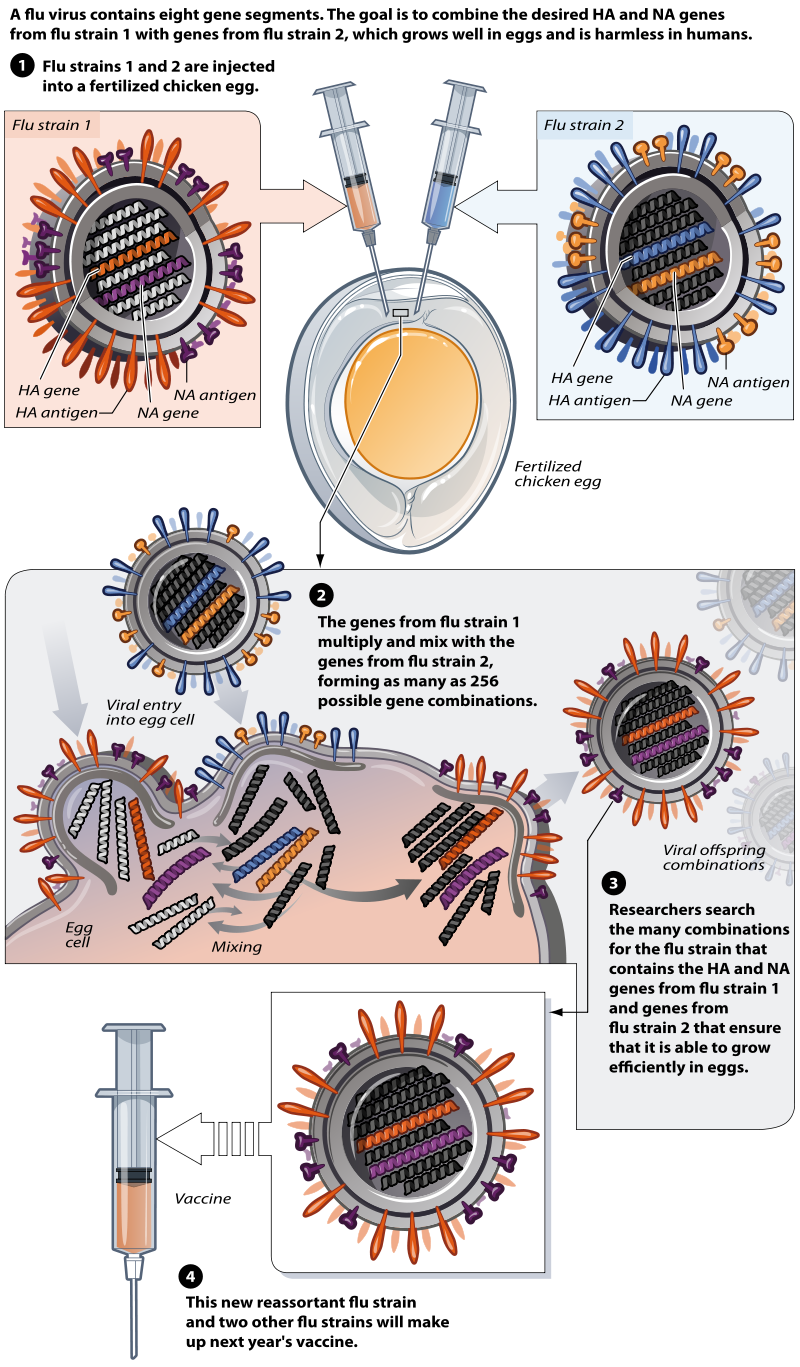
In the UK, flu vaccines up until this year were all made with eggs. The process uses fertilised chicken eggs at 11-12 days old – a chick would usually hatch at 21 days [1][2].
The egg is injected with the various virus strains specified by the World Health Organisation as being a threat that particular year. Then, it is left to develop for another 48 hours, incubated (and presumably the chick continues to grow). Over the 48 hours the virus is weakened or destroyed by the egg.
Then, the egg white, the albumen, is harvested and purified. It takes 3 chicken eggs for each vaccine. [3]
Should I have this eggy-vaccine?
There is no right or wrong answer to this question. I have always said no, even though I am eligible because I have asthma. However, last year, I was so seriously ill with flu for so long that I said I would have it this year. I also put some effort into sorting out my asthma (review, new inhalers, dehumidifier and air purifier in the house etc) so the chance of me needing the vaccine was minimised.
I know others who have made the same decision, and others who have rejected it regardless. It doesn’t have to be the same choice every year, remember. If you are pregnant, or the primary earner in your family, or have a serious health problem – why to have it this year, and re-asses next time.
Thankfully, from this year, it’s going to be easier to get a vegan version of the vaccine! Read on for more info!
A Vegan Version?!
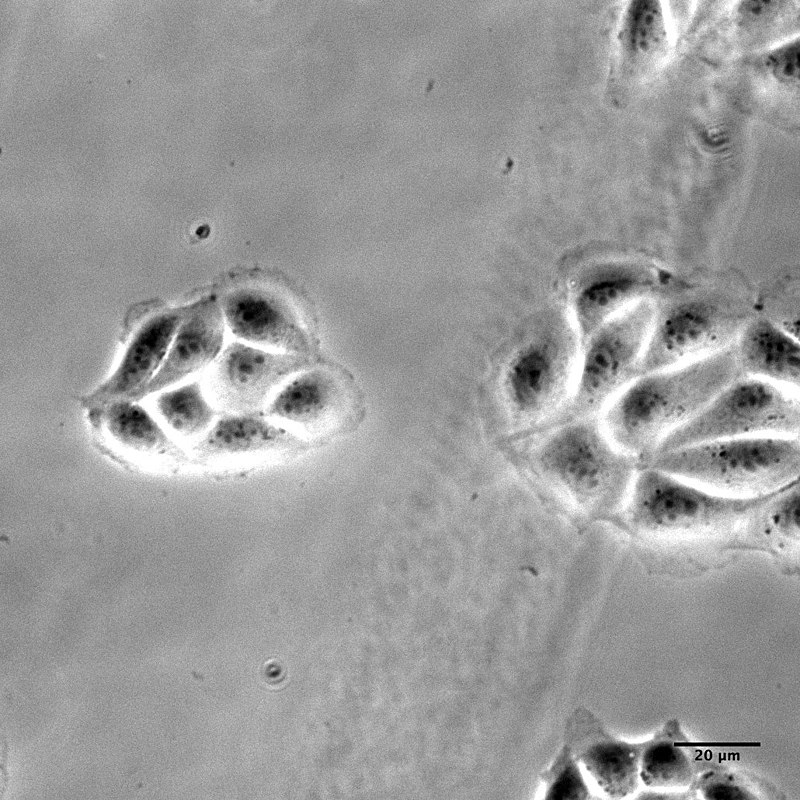
There is another way of making vaccines though, using mammalian cells. In this case it’s the cells from a dog’s kidney. But don’t worry, no dogs are harmed or killed in this process – kidney cells divide easily. The Manufacturer of the new, more ethical vaccine said:
“Flucelvax Tetra is manufactured using influenza virus grown in Madin Darby Canine Kidney (MDCK) cells rather than embryonated hens’ eggs. MDCK cells are a continuous, laboratory maintained, cell line. Continuous cell lines originate from a natural tissue source, but have adapted to grow and divide “unendingly” under laboratory conditions and so have unlimited availability.”
Indeed this cell line has been alive since the cells were first taken from a spaniel in 1958! [4] It’s not clear what happened to the original dog, but I don’t believe it would necessarily have been harmed or killed for the extraction of kidney
cells alone.
About the New Vaccine
The new vegan vaccine is called Flucelvax Tetra. You can read about it’s availability on the NHS here: vaccines-for-19-20-seasonal-flu-vaccination-programme.
My local GP is so far saying it is not available, but I will keep you posted. The pharmacist says it’s possible to order it in, but not till October. You may have to ask repeatedly or make a full. You may have to pay. But this vaccine IS available in all of Europe from this year.
As far as I have been able to find, the vaccine is 100% Vegan in terms of ingredients, however, I am waiting for final clarification on this from the manufacturer about that. It’s not clear if the specific vaccine is tested on animals – I assume it will have been. The general process will also have been tested on animals at some point.
What did you do?
Good luck, and comment/reply to let us know how you got on!!
Updates
My surgery initially said they didn’t provide this vaccine and had never heard of it. I then sent an email [5, text below] which detailed the name of the vaccine and attached a document from the NHS commissioning saying the vaccine is available. I didn’t hear anything for a while, but then they called and said they will be getting these vaccines in around the 14th of October. I finally had the vaccine on the 16th of October. Initially bought out the eggy vaccine not the Vegan one, she had to go back and get the correct one. It really didn’t hurt at all, I didn’t really even feel the needle going in, it hurt a little bit immediately afterwards – but much less than eg a blood test or a paper cut!

What about other vaccines?
I recently thought to look at which other vaccines are Vegan or not Vegan, and found it quite a mix.
Actually, information is very hard to come by online. The best source was the New Zealand Immunisation Advisory Center who specifically made a document about religious and moral concerns about vaccine growth mediums. You can download it under the “Concerns and questions” section, it’s entitled Animal derived products and National Immunisation Schedule vaccines – updated August 2017 225.65 KB.
What this document shows is there is a huge variety of growth mediums used in the more day-to-day vaccines used to protect us from major disease. These seem to be different to the flu vaccine in that most of them don’t use egg.
The most concerning culture mediums for Vegans are probably the Cow/Pig derived serums which I used to feed the viruses as they grow. Some of these come from cows milk and some are a … really quite awful… byproduct of slaughter. Certainly not ideal for Vegans!
However, it’s worth considering that these cultures are taken from animals who will, sadly, die whether or not what we have the vaccine. They are a by-product, not an end-product. You’re not creating demand for beef steak by getting a vaccine, for example.
These cultures are (presumably) replaceable with less horrendous things, and if the market for the end-product dries up the by-products won’t be as readily available. So, as our societies reduce their meat and dairy consumption in order to try mitigate the climate catastrophe, and then these components of vaccines will become more expensive. Presumably at some point a replacement will be found, for vaccines and for the many other slaughter derived ingredients in everyday items (like car tyres and matches etc).
As with food and clothing, we need to keep up the pressure to change the system as a whole (and “accept the things we cannot change” while we wait).
References
[1] https://en.wikipedia.org/wiki/Chicken#Embryology
[2] https://en.wikipedia.org/wiki/Influenza_vaccine#Manufacturing
[3] https://www.healthline.com/health-news/why-we-grow-flu-vaccines-in-chicken-eggs
[4] https://en.wikipedia.org/wiki/Madin-Darby_Canine_Kidney_cells#History
[5] Email text:
I appreciate that the nurses have said this egg free vaccine is not available, however, it is my understanding this is available on the NHS from 2019. It is a new vaccine, so perhaps it’s just a case of ordering it for the first time.
Please find attached some information from NHS England National Medical Direct. The vaccine is called Flucelvax® Tetra and the NHS seems to call it QIVc.
I understand if you won’t be able to offer this and will try and get it through a pharmacy in that case. However, please bear in mind it is the first time the flu vaccine will be suitable for those with egg allergies, particular religions beliefs and for many vegans too.
It is the first time I have personally felt able to have the vaccine.
Beco Ball on a Rope – Customer Review
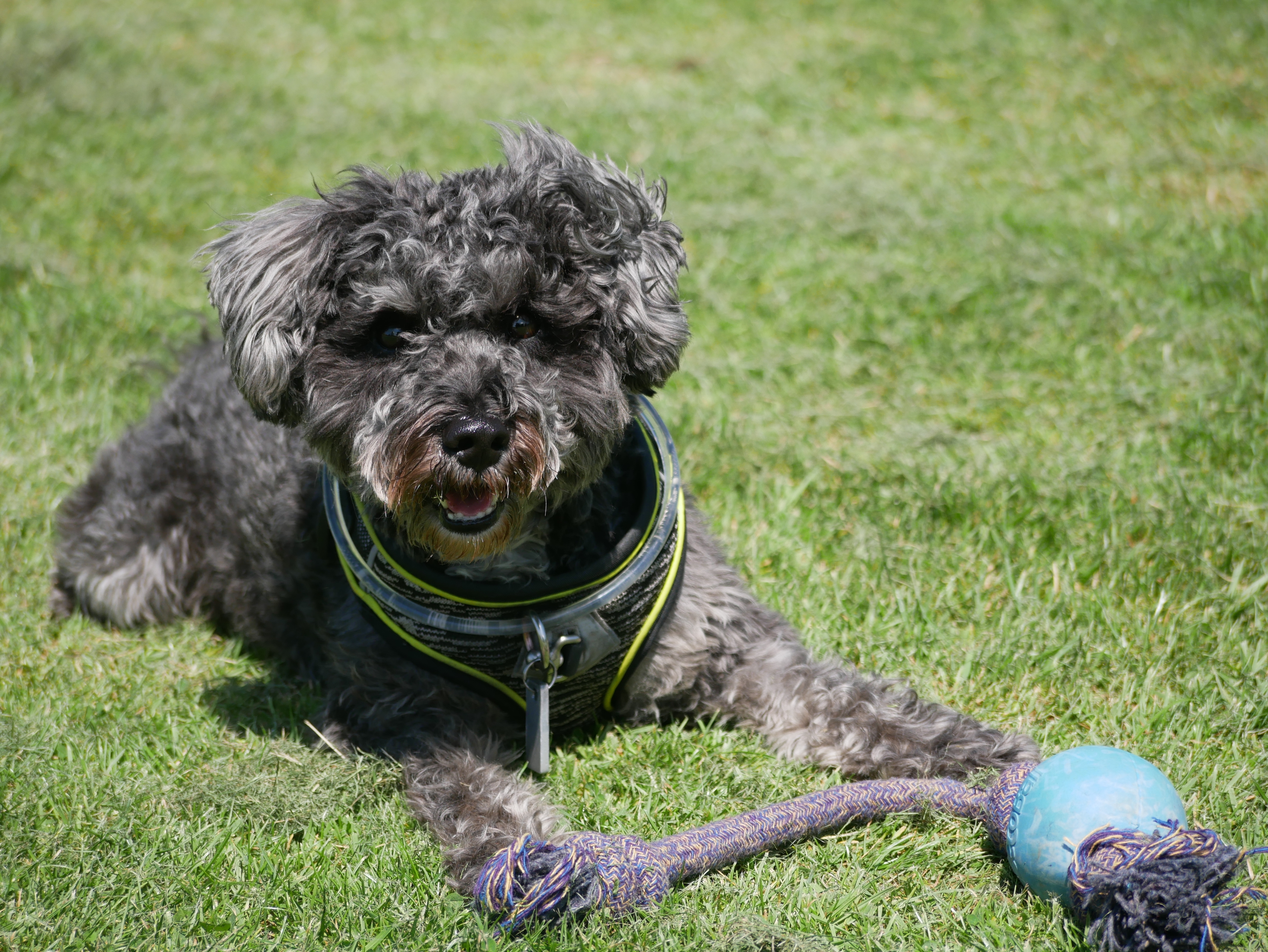
“I recently bought the Beco ball on a rope for my Schnoodle, and he loves it. It feels really well made, and will definitely last him a long time, Thanks Ethical Pets!” – Patrick
You can read more about Beco Pets here or view the range on our website here.
Allotment update – soil quality plastic v mulch
Hi everyone, quick allotment update. Sunshine all day today so we finished off the wood chip mulch under the apple trees.
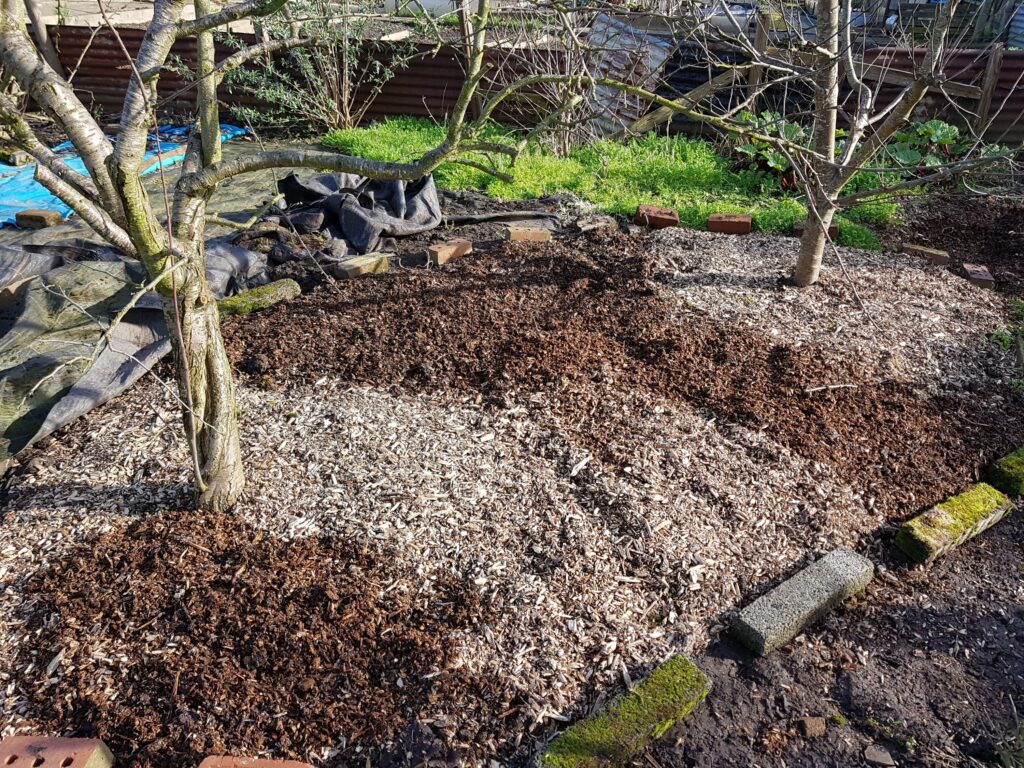
As it’s taken us about a month to complete. Working slowly is good for my health and also the days have been short and the weather has been bad!
I thought now would be a good time to see if the mulch is working and compare the soil quality.
Continue reading “Allotment update – soil quality plastic v mulch”